Community scripts › Built into Depth › Imbalance readout
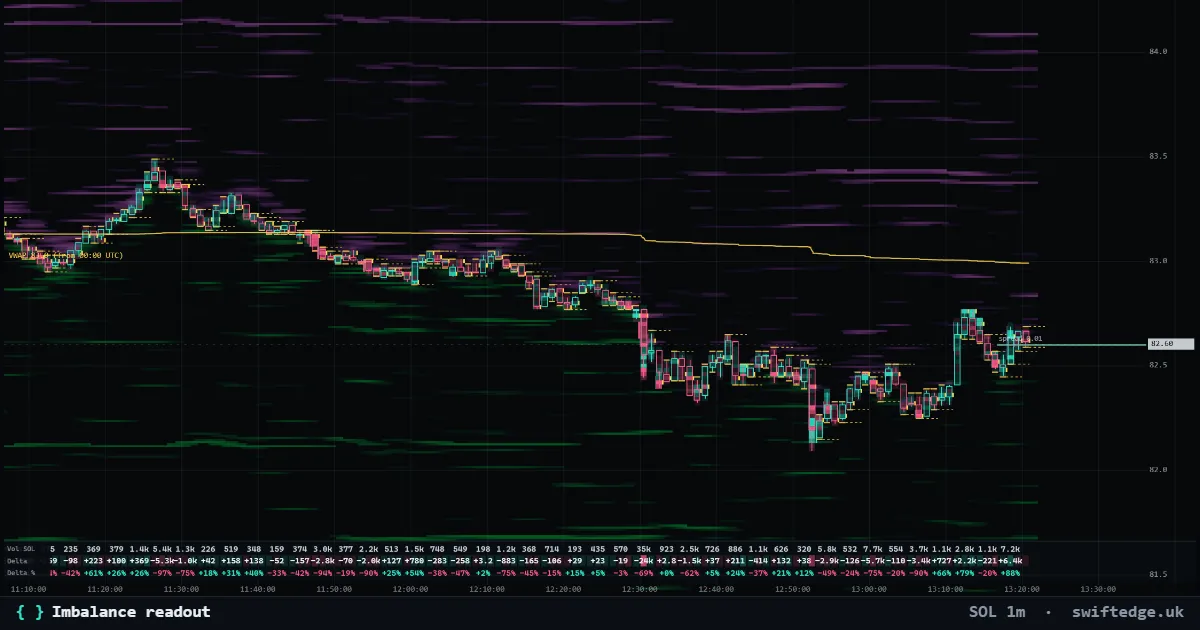
What it shows
Two live numbers: how lopsided the order book is near price, and how lopsided aggressive volume was in the last minute.
How to read it
(Bids − asks) / (bids + asks) within a band around price, and the same for aggressive buy and sell volume. +100 % means only bids or only buying.
How it's calculated
Two numbers: (bids - asks) / (bids + asks) in the order book within 0.1 % of price, and the same for aggressive buy and sell volume over the last 60 seconds. +100 % means only bids or only buying, -100 % only asks or only selling.
What it can't tell you
Both numbers change second by second. A lopsided book can flip as soon as orders are canceled.
Settings in Depth
| Order book depth (% from price) | 0.1 % |
| Volume window (seconds) | 60 |
| Color from (%) | 10 |
FAQ
What does +40 % mean?
There is noticeably more on the bid side (or more aggressive buying) than on the other side, within the window.
Why only 0.1 % from price?
The orders closest to price are the ones that meet the next trades. The depth is a setting.
When is the number colored?
From 10 % lopsidedness by default; the threshold is a setting.
More in Order flow
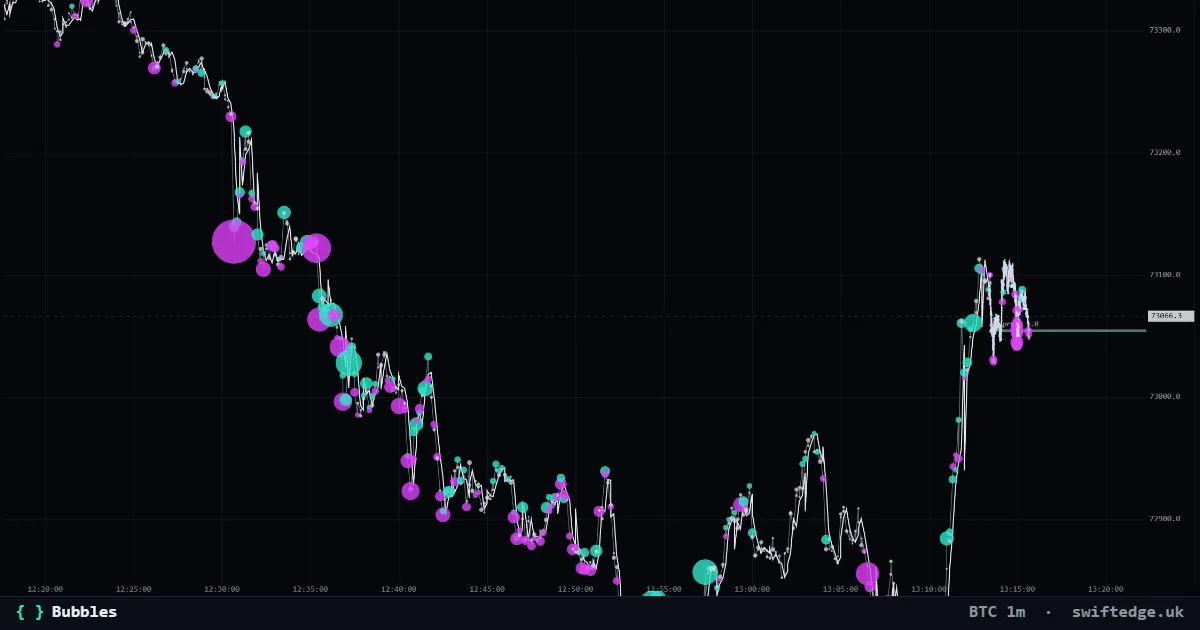
Every trade as a bubble: teal for aggressive buys, violet for aggressive sells; the size is the volume.
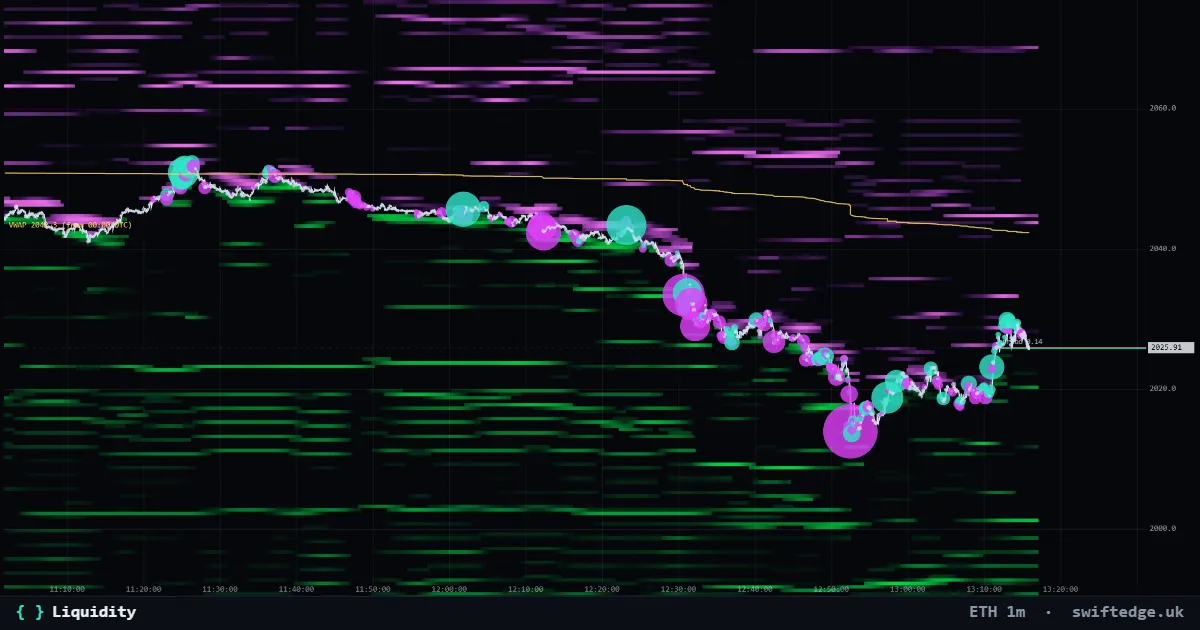
Resting limit orders in the order book by price and time: green bids below price, violet asks above. Brighter means more size.
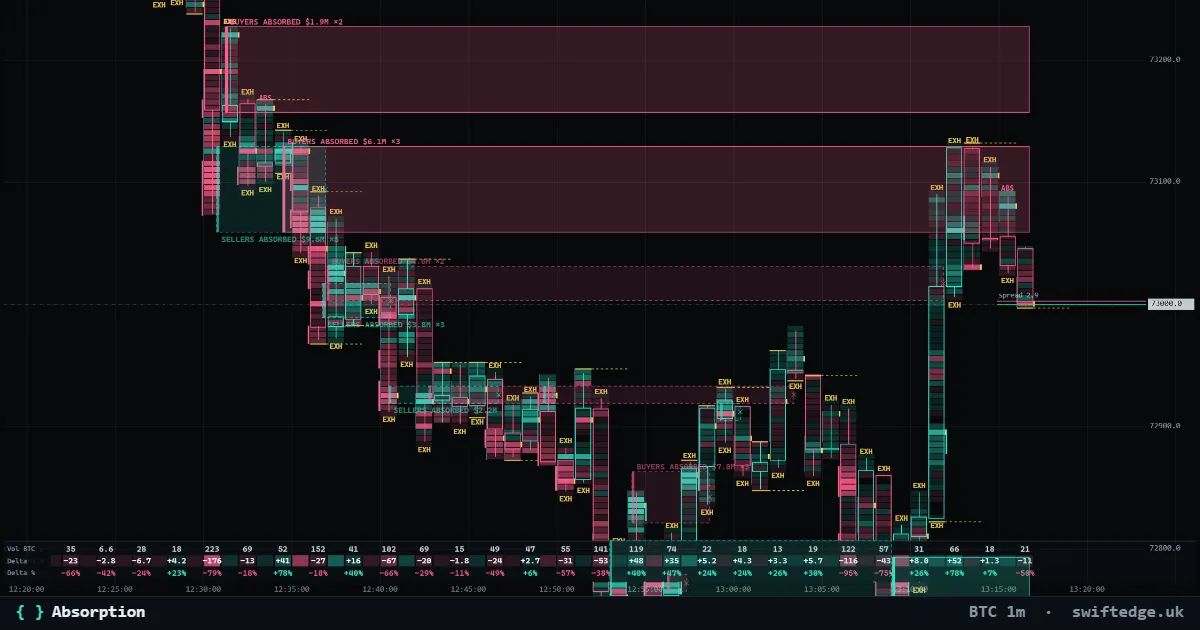
Zones where heavy aggressive selling (or buying) hit a price level and price did not get through; the zone runs until price trades past it.